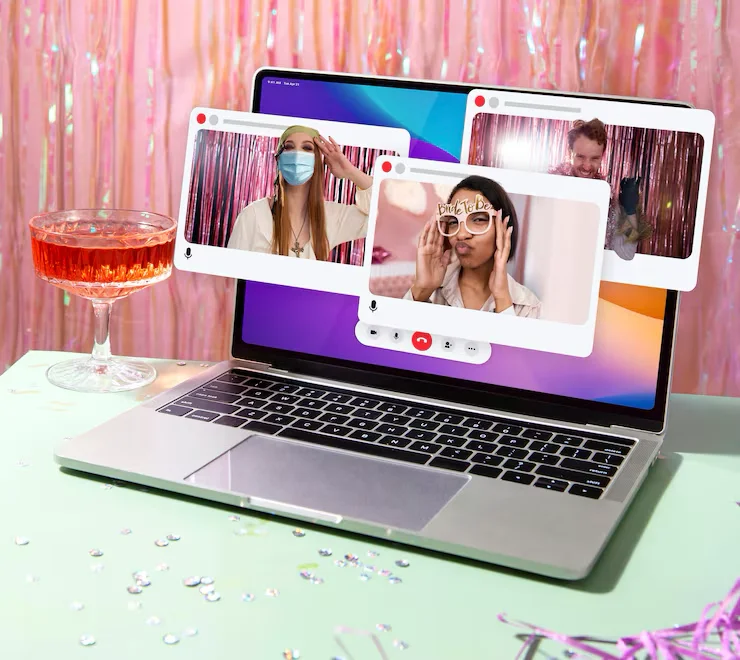
Mobile First: In 2026 the Desktop Is Secondary
70% of traffic comes from phones. If your site isn’t thumb‑friendly, it doesn’t exist. What is the thumb zone and how to design for small screens.

We use desktops to work. We live on phones. We’re no longer talking about “responsive” design — that was 2015. We’re talking about mobile‑first. In 2026 we design for phones first (390px wide) and only then expand to desktop.
The thumb zone
How do you hold your phone? With one hand. Your thumb comfortably reaches the lower third. The top corner (where the hamburger menu usually sits) is the most awkward spot.
New 2026 standard: All critical buttons (“Buy,” “Book,” “Navigation”) should be in the bottom bar, just like apps (Instagram, Spotify).
Foldables
Foldable screens are no longer a niche. Your website must smoothly expand when users open their phone into a tablet. That requires a flexible grid (CSS Grid), not rigid pixels.
Google Core Web Vitals:
Google rates your site 100% by its mobile view. If text is too small (under 16px) or buttons are too close (“tap targets”), your SEO ranking drops.
Goodbye, hover
There is no mouse on a phone. Hover effects don’t work.
Instead we use haptic feedback (a small vibration on tap) and clear visual cues. Menus must open with a tap, not a hover.
FAQ: Mobile design
Do I need a separate mobile app? +
Usually not. PWA (Progressive Web App) lets a website behave like an app (push notifications, offline), without forcing users to download anything.
How large should mobile text be? +
Absolute minimum is 16px for body text. Apple recommends buttons at least 44px high so they’re finger‑friendly.
Does your site work on mobile?
We test and optimize your site for every device. If a customer can’t buy on phone, they won’t buy at all.
Order a mobile‑friendly site →Related guide
Website Development 2026: Complete Guide →
Stiven
Web developer / technical lead
Graduated in web development and has 10+ years of experience with servers, web development and infrastructure. Focused on performance, security, SEO and automation.
Learn more about the SIA DESIGN team →